 Archive thumbnailGTA III — WASM Arcade
GTA III — WASM Arcade
↗Open project · unverified
Mobile controls documented
 BROWSER
PC / ARCADE / FLASH
Browse PC worlds, arcade classics and Flash favorites. Choose a collection, compare versions and open the original host.
An independent guide from Browser 3A Games, not the official WASM Arcade website.
Archive inventory checked October 14, 2026. Page availability can change; menu and documentation checks do not establish complete gameplay.
These titles already had records in our library. The existing pages now preserve additional archive entrances where relevant, so alternate builds are not counted as new games.
Archive thumbnailGTA III — WASM ArcadeOpen project · unverified
Mobile controls documented
 Archive thumbnailGTA Vice City
Own files needed
Desktop suggested
 Archive thumbnailMinecraft 1.8.8 — EaglercraftX
Open project · unverified
Desktop suggested
 Archive thumbnailSimpsons Hit and Run
Open project · unverified
Desktop suggested
Compare fighters, run-and-gun games and arcade driving. The displayed artwork comes from the host archive; it is not a capture of our playtest.
 Archive thumbnailMetal Slug
Open project · unverified
Desktop suggested
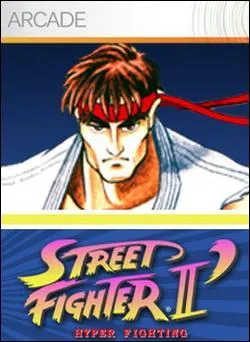 Archive thumbnailStreet Fighter II': Hyper Fighting
Open project · unverified
Desktop suggested
 Archive thumbnailThe King of Fighters 2002
Open project · unverified
Desktop suggested
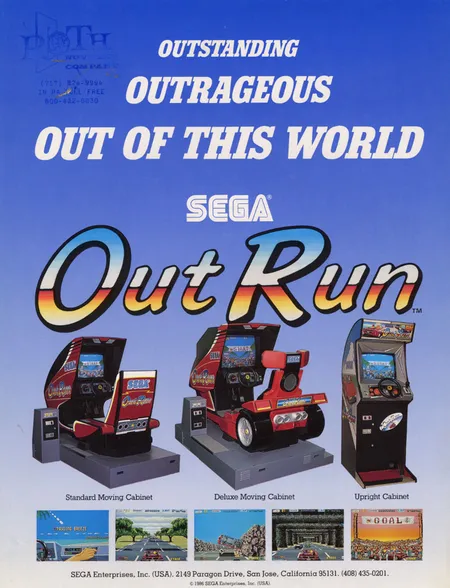 Archive thumbnailOutRun
Open project · unverified
Desktop suggested
Find a tower-defense game, a short strategy challenge or a puzzle. Each entry opens its original archive player, with specific control requirements still marked when untested.
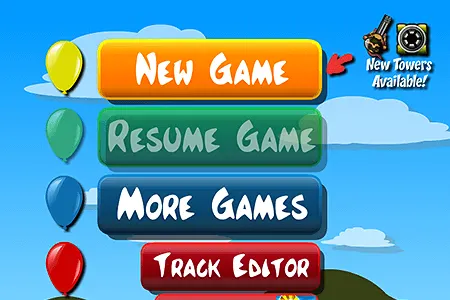 Archive thumbnailBloons Tower Defense 4
Open project · unverified
Desktop suggested
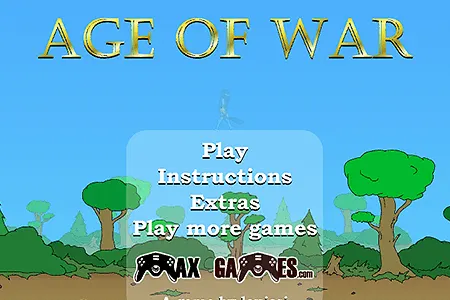 Archive thumbnailAge of War
Open project · unverified
Desktop suggested
 Archive thumbnailHappy Wheels
Open project · unverified
Desktop suggested
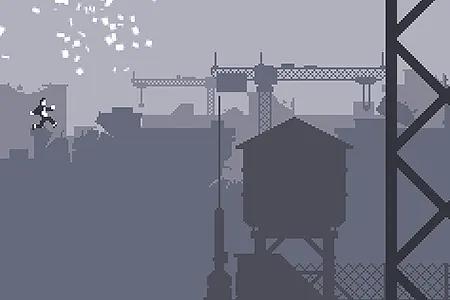 Archive thumbnailCanabalt
Open project · unverified
Desktop suggested
| Collection | Player and expectations | Browse |
|---|---|---|
| 5 PC listings | Large 3D browser projects. GTA III and Vice City use re3/reVC engines; Minecraft is an EaglercraftX edition. These are different projects, not a single emulator with identical requirements. | PC projects ↗ |
| 227 arcade entries | Neo Geo, Capcom and other arcade boards through FinalBurn Neo / EmulatorJS. Check the particular machine’s action buttons, coin and start controls. | Arcade library ↗ |
| 850 Flash entries | Flash-era games supplied through Ruffle. Original keyboard and mouse instructions can differ from game to game; a phone browser does not guarantee touch support. | Flash library ↗ |
The original homepage and complete category lists identify 1,082 games. Its sitemap covered fewer game entries when checked, so our inventory also uses the full archive category lists. The counts describe host listings, not 1,082 completed playtests.
Begin with an up-to-date desktop browser and the required keyboard or mouse. The archive documents some touch controls, but that cannot be generalized to every arcade or Flash entry. A large PC build can also need more memory, graphics support or an isolated browser context than a small puzzle.
For the archive’s arcade players, the displayed defaults use arrow keys to move, V for a virtual coin and Enter to start. Action buttons differ by machine; read the Keys section or the player’s controller toolbar. These defaults are documented by the archive and were not independently tested across the full library.
An original host opened directly and the same host embedded elsewhere can have separate browser storage. Before switching devices or builds, check the player’s save/export controls. Do not assume a save from one Vice City or Minecraft browser edition is compatible with another.
Game resources, loading times and player advertising are controlled by the archive or its linked host. WASM Arcade says that pressing Play may open a sponsor tab. A reached menu does not prove a complete campaign, every level or multiplayer works.
We compared the original sitemap and complete category lists, retrieved each archive page and checked its game identity, platform classification and thumbnail. We did not complete the full games, import commercial game data, create accounts or test every mobile and multiplayer mode. Newly imported game records remain catalog-only while richer per-game notes are prepared.
Browse action projects, puzzles or the new-discoveries collection. If you arrived through the Radiant Optimizer post, our original-list guide explains that separate source.
Original archive references: About WASM Arcade, PC collection, complete arcade list and complete Flash list.