 Project artworkDiablo
Diablo
↗In-page preview
Desktop suggested
 BROWSER
Rhythm / BROWSER PROJECT
Play osu!standard-style beatmaps in an unofficial browser rhythm client. Download a supported beatmap through its menu or import your own .osz file.
Research record: 2026-10-11 · Limited check, not live availability
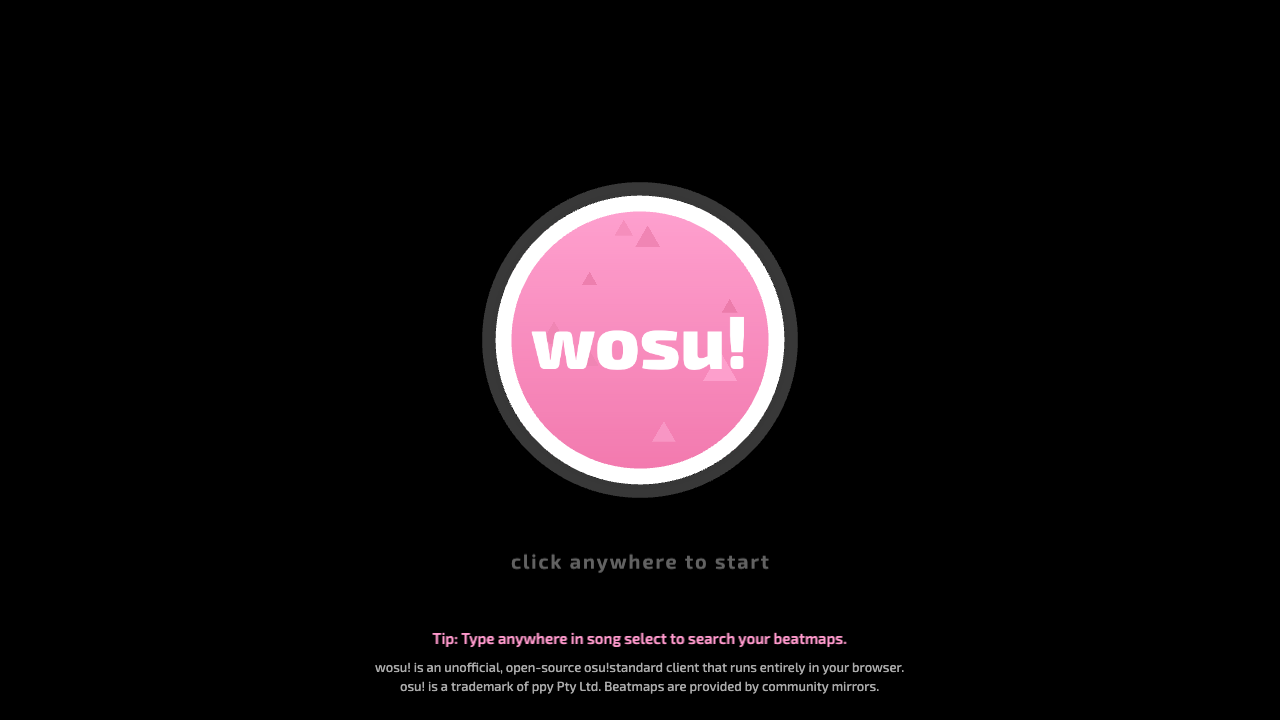 Browser test capturewosu! — osu!standard Browser Client
ADDED 2026-10-11
Play osu!standard-style beatmaps in an unofficial browser rhythm client. Download a supported beatmap through its menu or import your own .osz file.
Unofficial open-source osu!standard client and successor to WebOsu 2, confirmed by its developer. Other osu! modes are not supported in the documented version; scoring can differ from official osu!.
BEFORE YOU PLAY
Our desktop browser capture of the wosu! start screen on October 11, 2026. It does not demonstrate completed rhythm gameplay. Image source ↗
Read the original game’s settings and save instructions before starting. Browser storage, server availability and optional account features can affect progress.
The developer repository points to the original client, which returned HTTP 200 and rendered the wosu! click-to-start screen in a desktop browser. A full beatmap session was not tested.
Try the original site rather than an embedded preview. Follow its loading and data instructions, and return later if its server is unavailable. Full gameplay is not established by this directory.
Project artworkDiabloIn-page preview
Desktop suggested
 Project artworkCS Surf
In-page preview
Desktop suggested
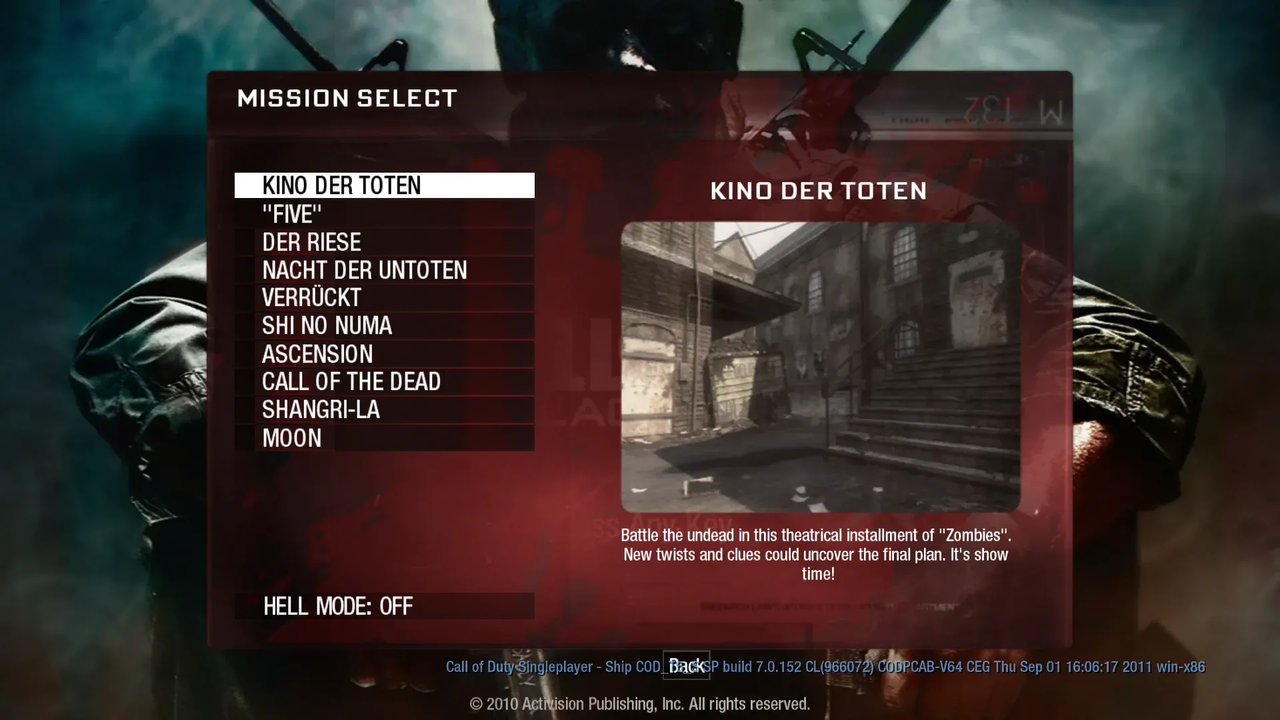 Project artworkBO1 Zombies
Open project · unverified
Desktop suggested