 Original-game artworkHalf-Life
Half-Life
↗Open project · unverified
Desktop suggested
 BROWSER
Movement / BROWSER PROJECT
A surf map rendered and the guest run became ready. Mouse capture and a complete run still need checking.
Research record: 2026-10-09 · Limited check, not live availability
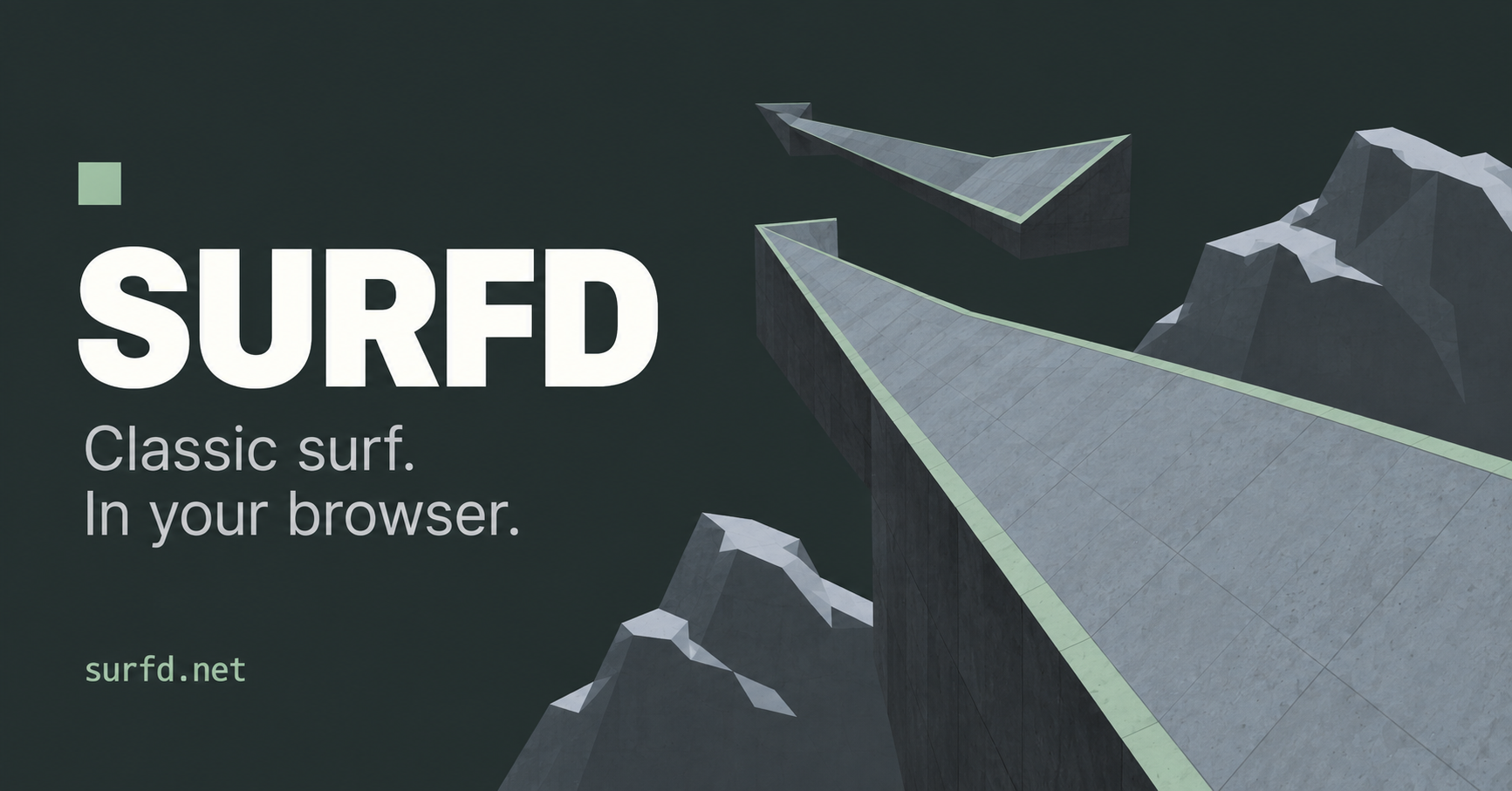 Project artworkCS Surf
If the game stays blank or mouse controls fail, use “Open game project” above. Loading the frame does not confirm a successful launch.
BEFORE YOU PLAY
Artwork provided by the linked browser project or game developer. Image source ↗
Read the original project’s setup instructions. Browser projects can download data before a game begins.
A surf map rendered and the guest run became ready. Mouse capture and a complete run still need checking.
Try the original site rather than an embedded preview. Follow its loading and data instructions, and return later if its server is unavailable. Full gameplay is not established by this directory.
Original-game artworkHalf-LifeOpen project · unverified
Desktop suggested
 Original-game artworkWebXash CS 1.6
Own files needed
Desktop suggested
Open project · unverified
Desktop suggested